 NexCoder
Full access
Agent
The full agentic loop: plans, edits files, runs permitted commands, and verifies the result end to end.
One engine. Every surface.
NexCoder plans with a visible todo list, edits files with checkpoint-backed revert, asks before running commands, and checks the result. Six chat modes and a terminal CLI - all thin policy profiles over the same agentic core.
Launch
The desktop app and terminal CLI go public on launch day - downloads for Windows, macOS, and Linux unlock then.
See it in action
Editor, file tree, terminal, and an always-present agent panel that plans, edits, and reports back - watching your active file the whole time.
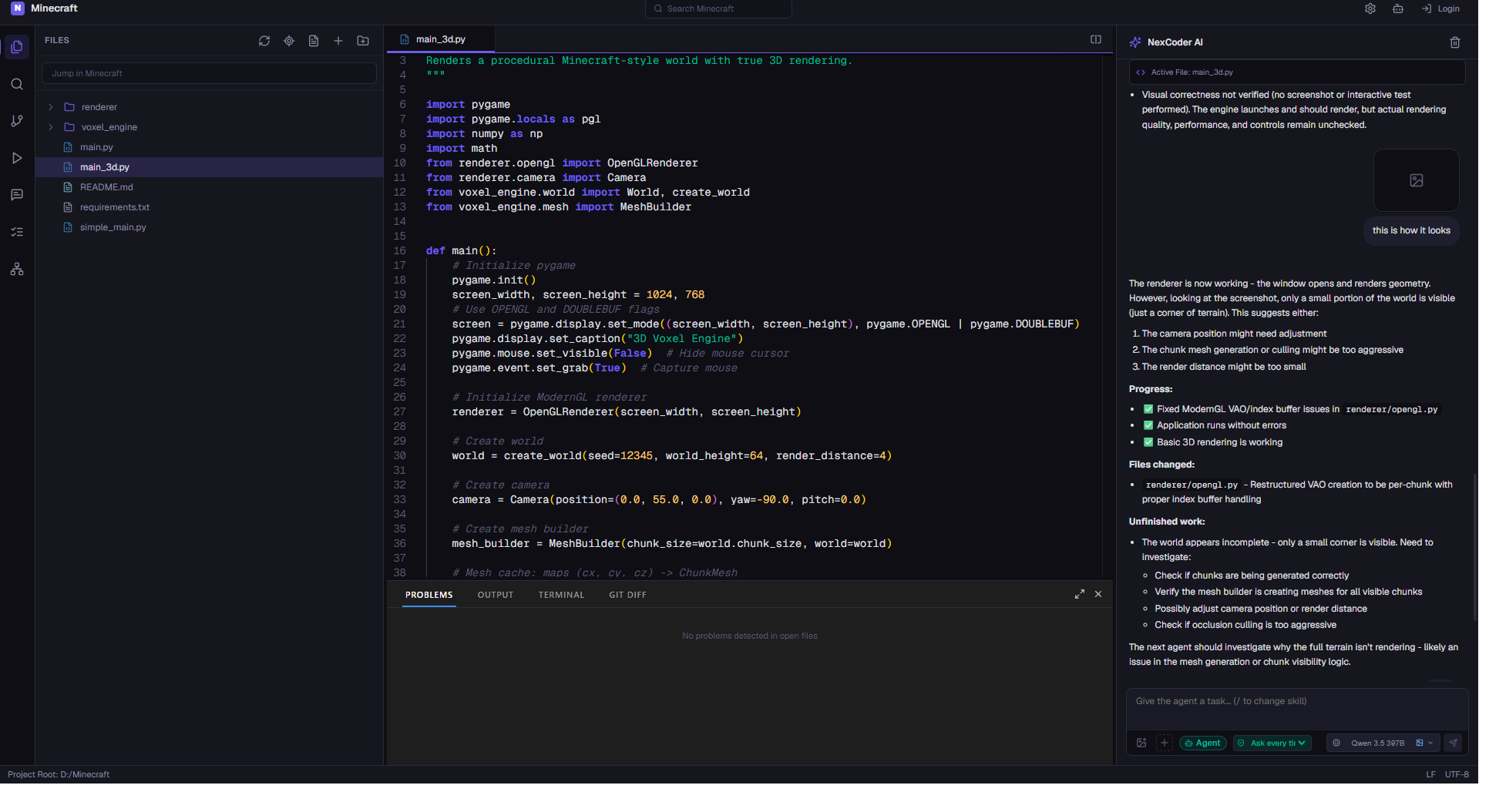
Direct file edits with revert, structural safety, auto-context, retrieval, skills, and hard context guarantees - in the desktop IDE and the CLI.
Agentic loop
Plans with a visible todo list, edits files directly with checkpoint-backed revert, asks permission before running commands, and verifies its own work.
Explore ->Structural safety
Read-only modes simply never receive mutating tools. Permission gates and a per-project command allowlist guard everything else.
Explore ->Auto-context
The active editor file and text selection travel with every run - "fix this" means the selected code.
Explore ->Skills
A skill catalog (commit, code-review, systematic-debugging, ...) the agent loads on demand. Projects add their own under .nexcoder/skills/.
Explore ->Context management
Token budgeting, two-stage compaction, and a hard force-fit guarantee before every model call - with a live context meter in the composer.
Explore ->Local-first
Runs fully offline against a local GGUF model server. Switching to a hosted GPU endpoint is config-only.
Explore ->Every mode is a thin policy profile - system prompt, tool subset, turn budget - over the same v2 agentic core. Read-only modes never even receive mutating tools.
Full access
The full agentic loop: plans, edits files, runs permitted commands, and verifies the result end to end.
Full access
Focused file mutation. Direct edits with checkpoint-backed revert per run or per file.
Full access
Investigates failures systematically, reproduces them, and applies the minimal fix.
Read-only
Answers questions about your code. Structurally incapable of changing anything - mutating tools are never offered.
Read-only
Code review over files, diffs, or modules with findings you can act on.
Read-only
Sweeps a project for issues, risks, and structure - a fast way to learn an unfamiliar codebase.
Agent Mesh
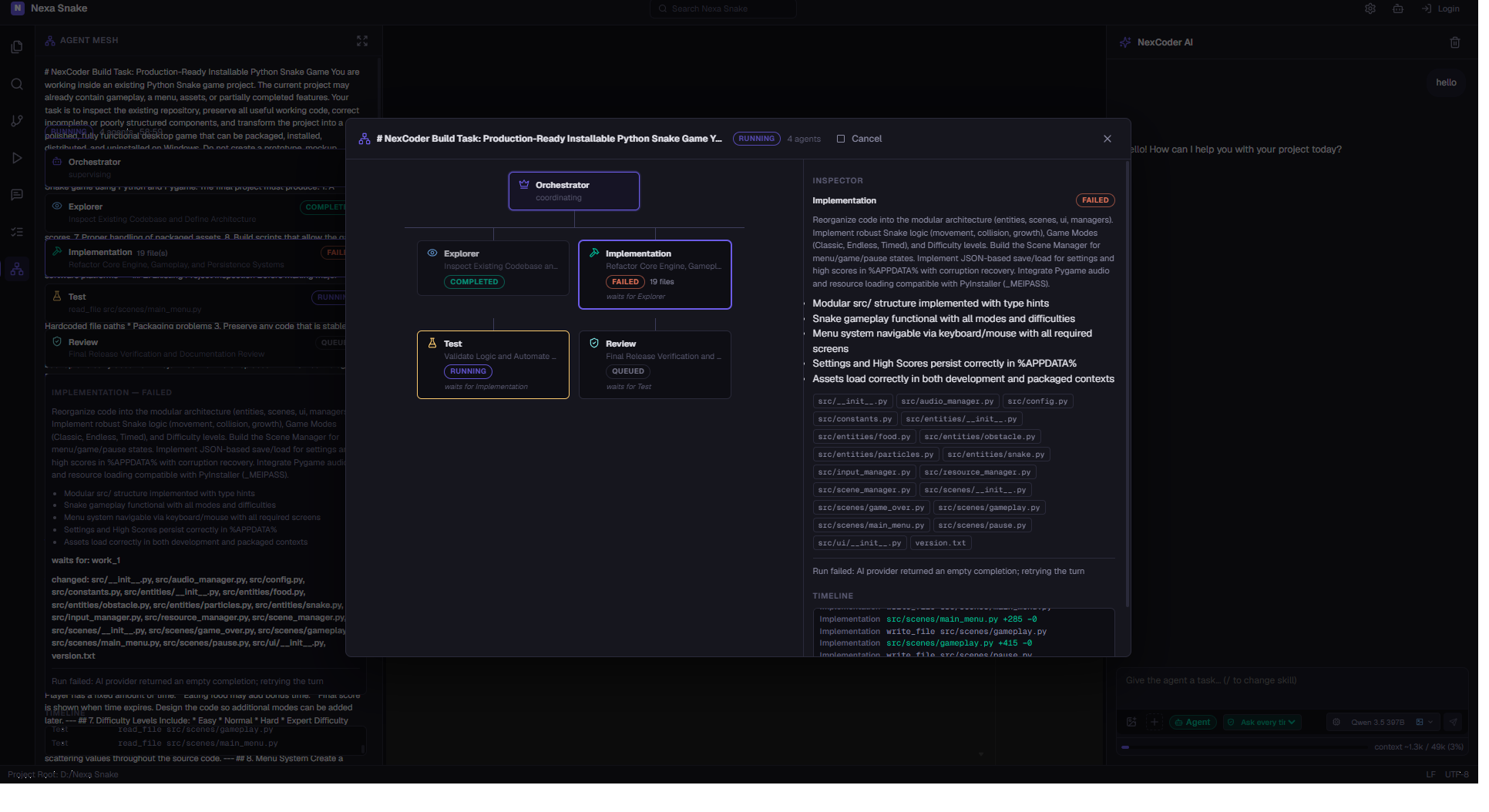
For bigger jobs, an orchestrator decomposes your goal into bounded work units and hands them to specialist agents - Explorer, Implementation, Test, and Review - then verifies the combined result. You watch the whole plan unfold, inspect any node, and cancel at any time.
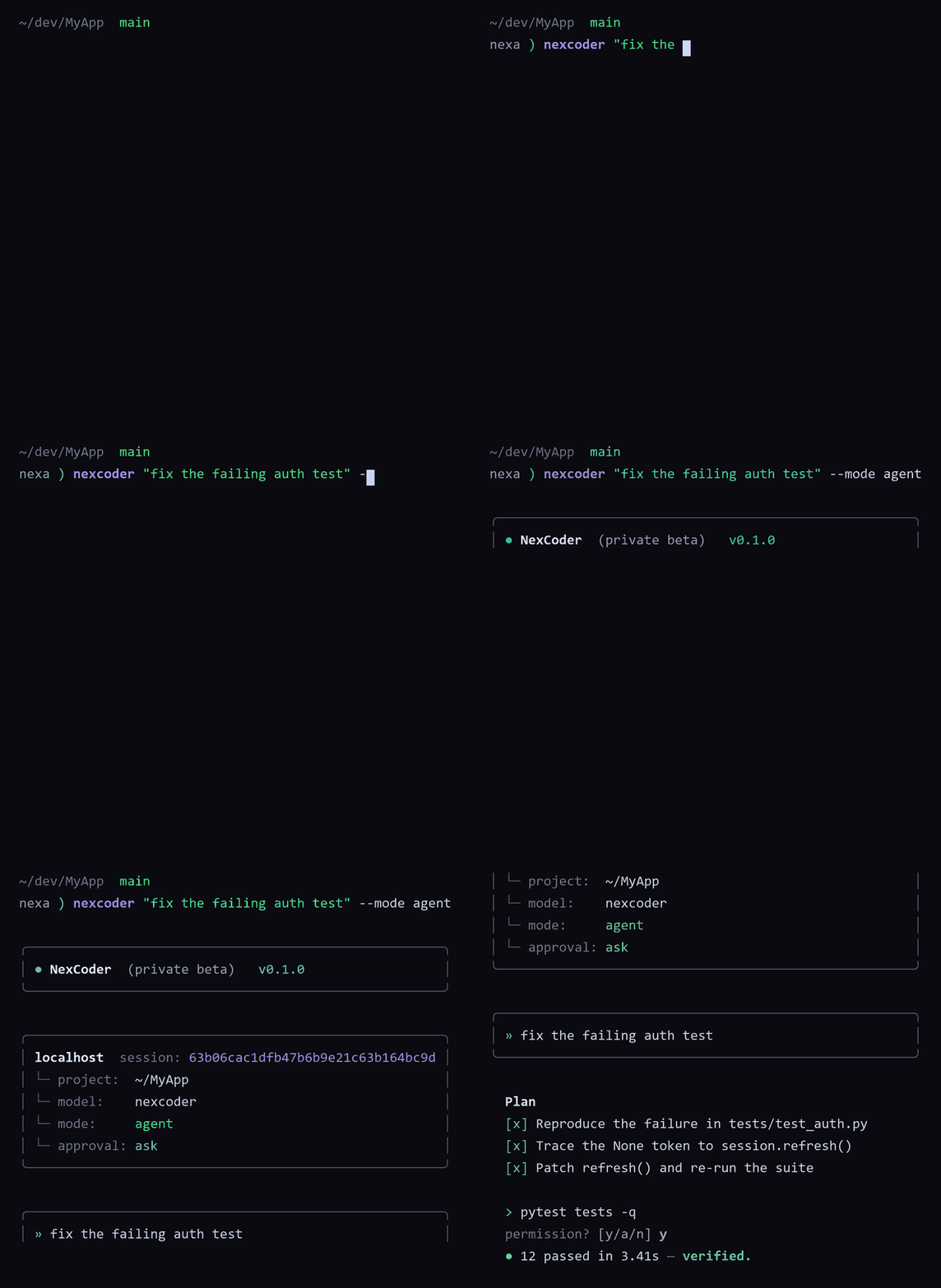
Everything the IDE agent can do, scriptable from the shell - interactive permission prompts, full-auto mode, mode profiles, skills, and JSONL event streams.
nexcoder --project C:\MyApp "fix the failing test"
nexcoder --auto --project C:\MyApp "build a landing page"
nexcoder --mode review --project C:\MyApp "review the auth module"
nexcoder "/commit group and commit my changes"
The CLI shares sessions, checkpoints, permissions, memory, and skills with the desktop app through the per-project .nexcoder/ directory. Start a task in the IDE, continue it from the terminal - or wire the JSONL event stream into CI.
Run fully offline against a local GGUF model server, or point at the hosted NexCoder endpoint - switching is config-only.
Relevant-code retrieval ranks files and snippets on your machine. Repository content never has to leave it.
The NexCoder MoE coding model (3B active) runs on 32GB RAM plus a consumer GPU by housing the KV cache in system RAM.
Production clients default to the hosted, OpenAI-compatible NexCoder endpoint. No local model required - just an API key in your .env.